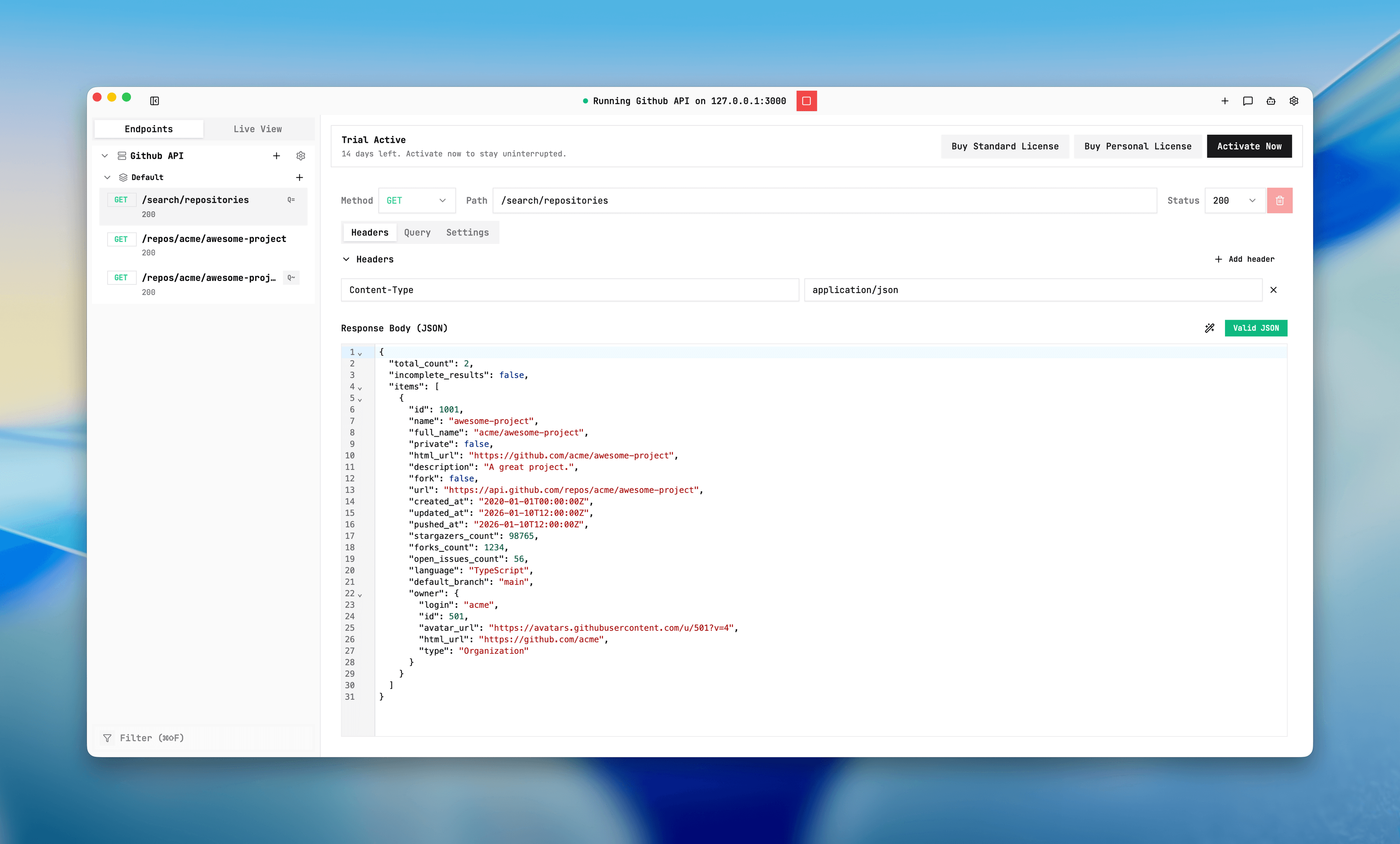
Getting Started
Set up local API mocking in one pass, then debug every request.
This docs set is ordered for execution: install, configure a server, add routing rules, validate behavior in Live View, then scale with import or recording. If you prefer a terminal-first workflow, Mockphine also ships a bundled headless CLI that uses the same workspace model and runtime rules.
Quickstart path
- Install Mockphine, then start in the desktop UI or verify the bundled CLI.
- Create one server with a local port and fallback policy.
- Add your first endpoint and choose mode behavior.
- Send real requests and inspect `served-by` in Live View or terminal logs.
- Scale with OpenAPI import or traffic recording.
Choose your starting point
Desktop UI
Use the visual workflow for first-run setup, Live View inspection, and endpoint editing without touching terminal.
Bundled CLI
Work from terminal with workspace JSON, machine-readable output, and commands for runtime control, imports, AI, and automation.
Recommended first pages
Download and install
Get Mockphine for macOS or Windows, install it, and use the desktop UI or bundled Mockphine CLI.
Use Mockphine CLI
Verify the bundled mockphine CLI, work against one explicit workspace, use safe AI-agent workflows, and manage routes, plans, runtime checks, and AI from terminal.
Activate and license
Learn activation behavior, when activation is required, and how to recover when protected actions are blocked.
Create a mock server
Set server name, port, real backend URL, and fallback behavior before adding endpoint rules.
Start and stop a server
Run one server at a time, handle start preflight blockers, and switch between safe server states.
Add your first endpoint
Define method, path, matching mode, status, body, delay, and failure simulation in the endpoint editor.
Where to go next
Features
Learn matching, modes, delay/failure, Live View, and traffic recording.
How-to
Run import/export, AI chat, and global settings workflows.
Use cases
Follow real workflows for frontend decoupling, OpenAPI, and CI reliability.
Docs workflow
Screenshot placeholder
Placeholder: server list, endpoint editor, and Live View logs.