Features
Traffic recording
Record responses from live traffic, apply redaction and capture filters, then convert matched records into new MOCK endpoints.
Purpose
Bootstrap endpoint coverage quickly from observed requests instead of creating each route manually.
Where this is used
- Seeding mock routes from an existing application flow.
- Capturing reference payloads before backend changes.
- Building mock variants from repeated route traffic.
Setup and prerequisites
- Server must be running before recording can start.
- Server must have a valid real backend URL configured.
- Optional: set recording filters in Server settings (`includePaths`, `excludePaths`, methods, status codes).
- Optional: configure redaction for `authorization`, cookies, API key headers, and custom headers.
Step-by-step usage
- Open Server settings and review recording filters and redaction settings.
- Choose conflict mode: `CREATE_NEW_CASE` or `APPEND_VARIANT`.
- Start the server.
- Click the record control in the top bar to start recording.
- Run the traffic flow you want to capture.
- Click stop recording.
- Review generated endpoints in the selected server.
Expected result and output
- Stop recording returns summary fields: `endpointsCreated`, `conflicts`, and `redactedFieldsCount`.
- New endpoints are created in the first collection. If no collection exists, `Default` is created.
- Generated endpoints are created in `MOCK` mode with recorded status, headers, and body.
- Captured sensitive fields are stored as `***REDACTED***` when matching redaction rules.
Common issues and fixes
- "Start the server before recording traffic": start the selected server first.
- Recording start fails with base URL error: set a valid `http://` or `https://` real backend URL in Server settings.
- No endpoints created: widen filters (paths, methods, status codes) and re-run traffic.
- Unexpected conflicts: use `CREATE_NEW_CASE` to disable active same-route conflicts automatically.
For a full traffic-to-route workflow, continue withCapture real traffic and convert to routes.
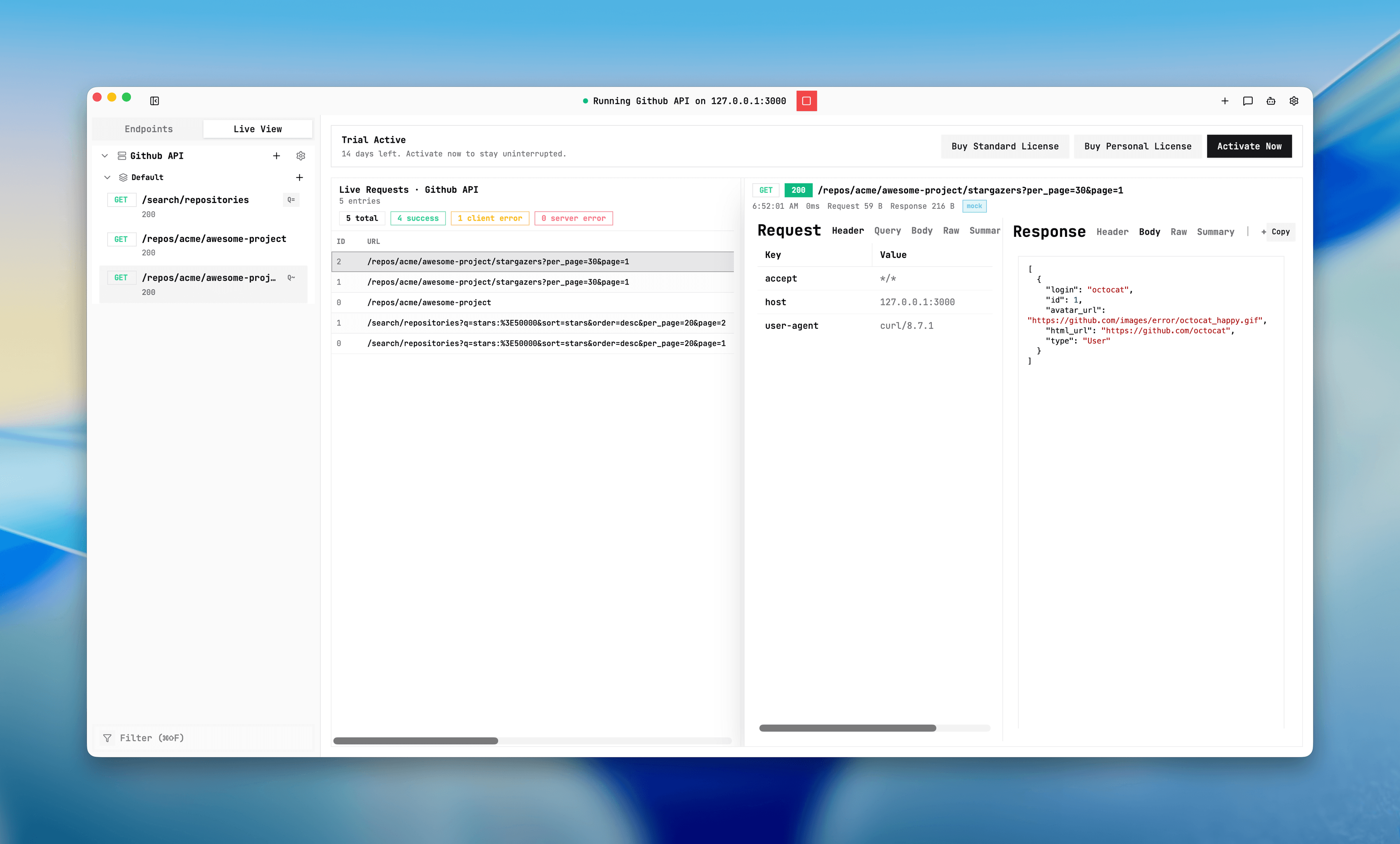
Traffic recording controls
Screenshot placeholder
Placeholder: recording toggle, filter configuration, and stop summary output.