Getting Started
Activate and license
Some operations are license-protected. This guide covers activation flow and recovery when protected actions are blocked.
Purpose
Unlock protected actions and keep licensed workflows available in normal usage.
Where this is used
- Workspace export and import.
- OpenAPI import/export and pack import/export.
- License-gated AI mutation actions.
Setup and prerequisites
- Have a valid license key available.
- Keep network access enabled for license verification.
- Be ready to retry the blocked action after activation succeeds.
Step-by-step
- Trigger a protected action, such as OpenAPI import.
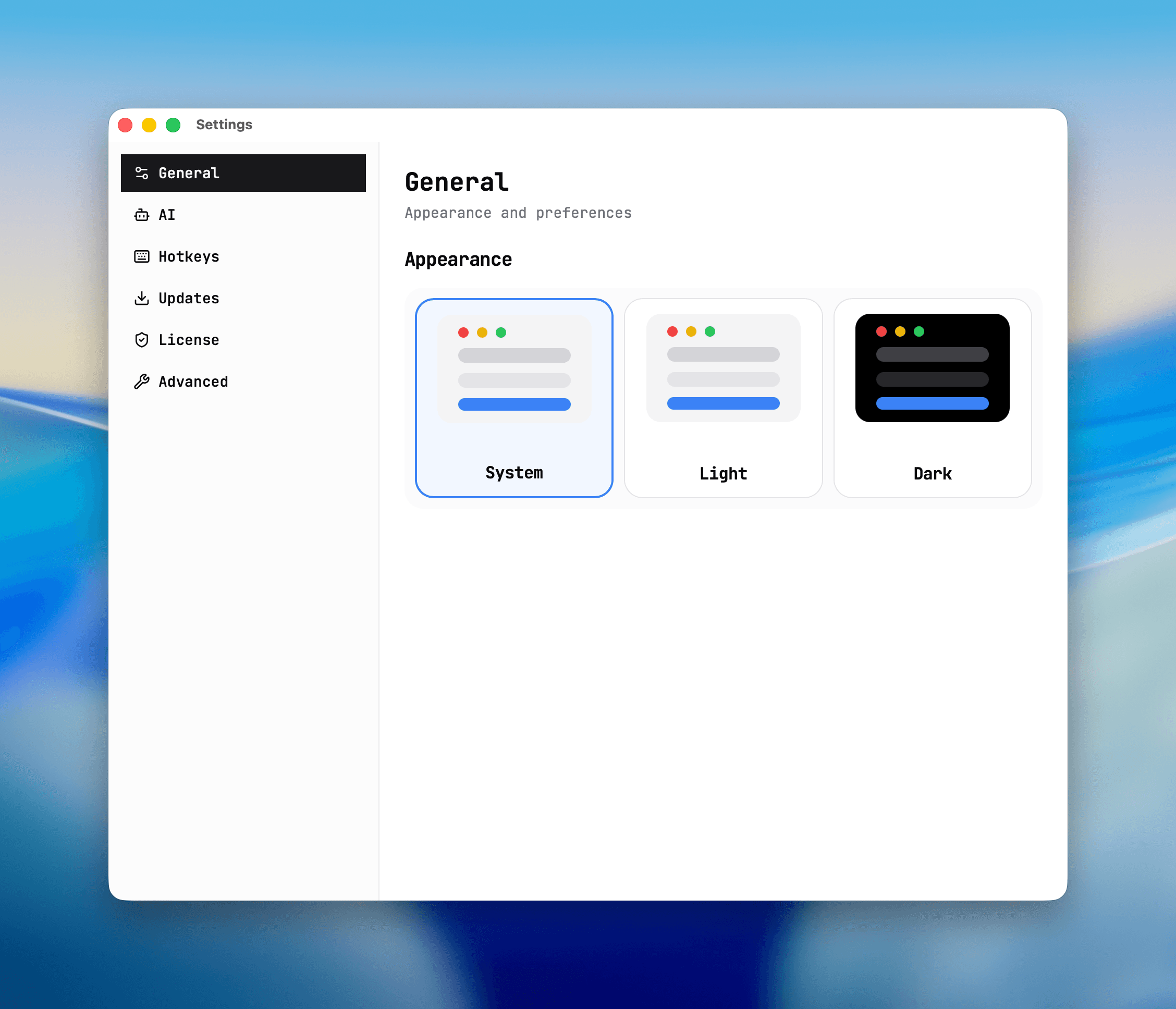
- Open Settings and switch to the License tab.
- Enter the license key.
- Run activation.
- Retry the protected action.
Expected result and output
- License status is shown as active in Settings.
- Previously blocked actions become available.
- The same action no longer prompts activation immediately.
Common issues and fixes
- Activation fails: verify key format and retry.
- Protected action still blocked: reopen the action after activation status refreshes.
For full settings coverage, continue withSettings and shortcuts.
License activation
Screenshot placeholder
Placeholder: license key entry and activation status output.