Use Cases
From OpenAPI to local mock server
Import an existing OpenAPI document to accelerate local route setup, then refine behavior with Mockphine-specific matching and mode controls.
Purpose
Convert API specification coverage into executable local mock routes quickly.
Where this is used
- Migrating legacy spec-first APIs into local development workflows.
- Bootstrapping route sets for large APIs before endpoint-by-endpoint tuning.
- Validating imported contract coverage against real request traffic.
Setup and prerequisites
- Active license is required for OpenAPI import/export operations.
- Prepare a valid `.yaml`, `.yml`, or `.json` OpenAPI v2/v3 file.
- Select target server before import, or use empty-state import to create one server.
Step-by-step workflow
- Activate license if import is currently blocked.
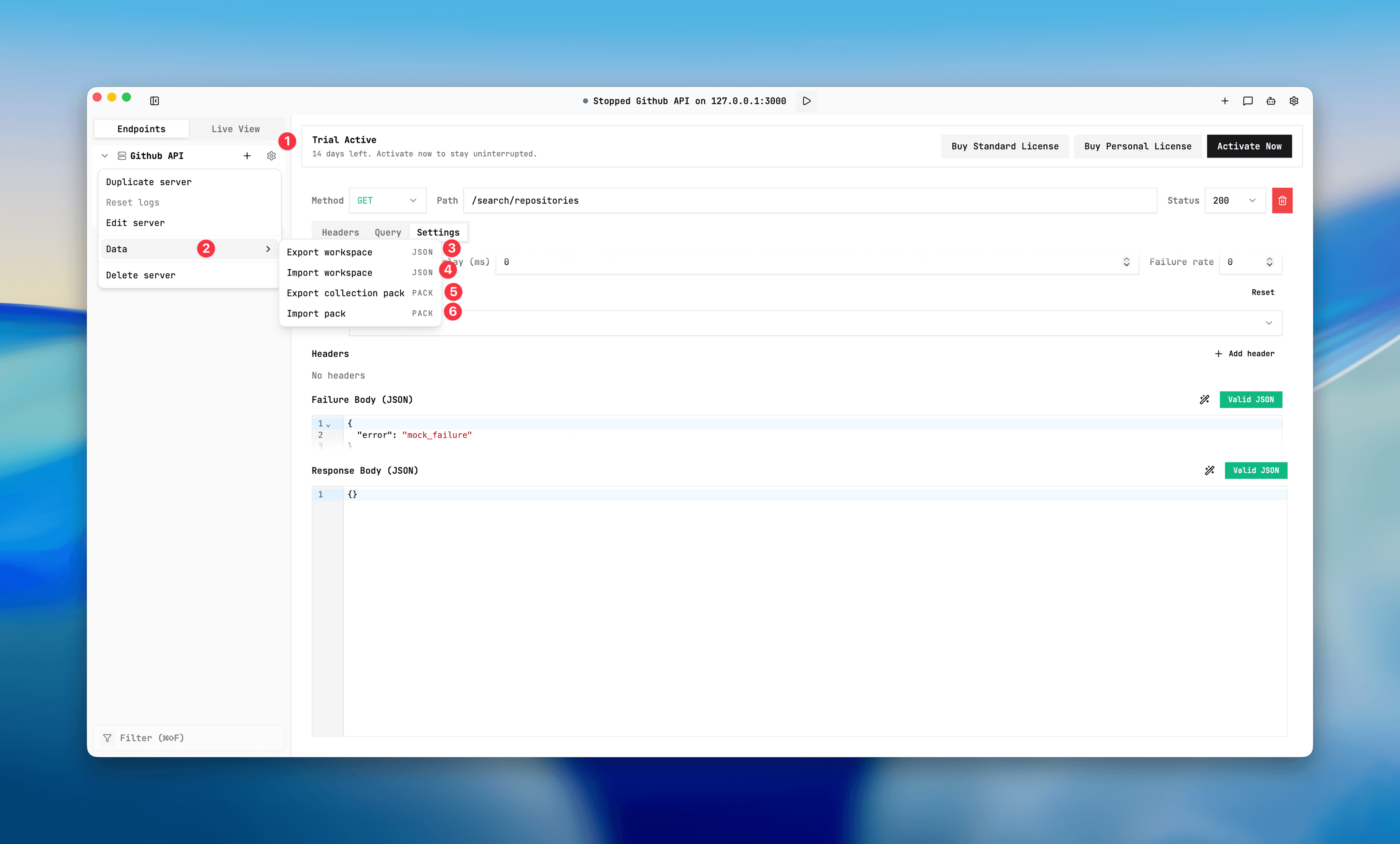
- Open the target server Data menu and choose OpenAPI import.
- Select the OpenAPI file and wait for import completion.
- Review warning messages from best-effort mapping.
- Run representative requests and verify `served-by` in Live View.
- Adjust endpoint mode, query settings, or path templates as needed.
Expected result and output
- Selected-server import replaces collections/endpoints on that server only.
- Selected-server import keeps server identity/settings (`name`, `ip`, `port`, real backend URL, fallback mode).
- Empty-state import creates a server from `x-mockphine-server` when present, otherwise uses inferred defaults.
- Warnings identify unsupported constructs that were skipped or simplified.
Common issues and fixes
- Import blocked: activate license first and retry.
- No server created from empty state: file may be invalid OpenAPI.
- Wildcard routes imported as params: preserve `x-mockphine-pathPattern` metadata when round-tripping through Mockphine.
For format-level behavior, seeImport and export.
OpenAPI import workflow
Screenshot placeholder
Placeholder: OpenAPI file selection, warning summary, and imported endpoint tree.