Getting Started
Download and install
This doc covers install and first launch. The desktop UI is still the fastest way to get oriented, and Mockphine also bundles a headless CLI when you want terminal-first, scriptable, or agent-friendly workflows.
Purpose
Get Mockphine on your machine so you can run a local mock server and start defining endpoint rules.
Setup and prerequisites
- macOS or Windows desktop environment.
- Admin rights if required by your OS installer.
- Network access if you later use passthrough and real backend URLs.
Step-by-step usage
- Download Mockphine from the official Mockphine distribution page.
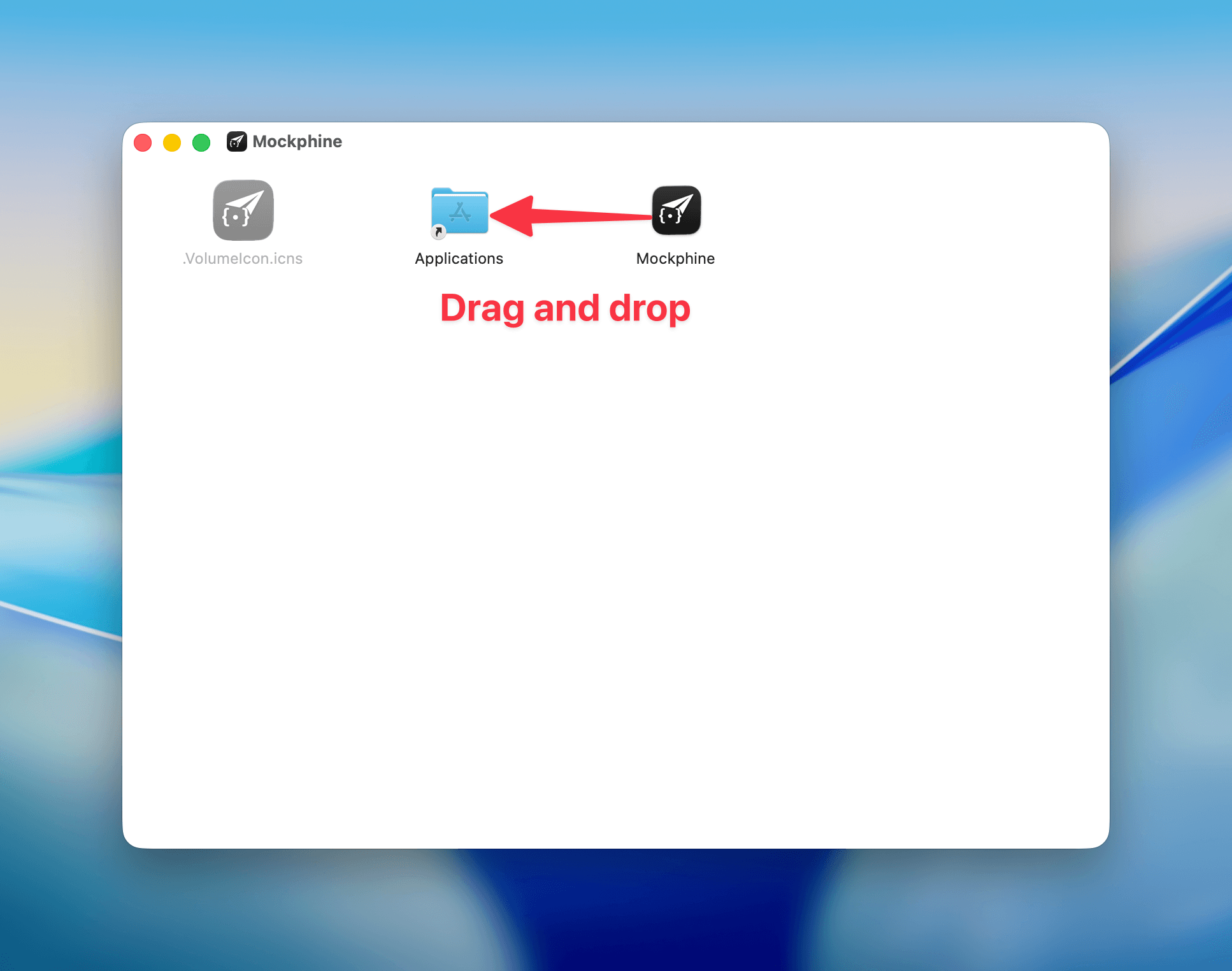
- Run the macOS installer or Windows installer package.
- Start Mockphine from Applications/Start Menu.
- On first launch, open the server panel and confirm the UI is visible.
- If you want terminal-first workflows, verify the bundled CLI after install.
Expected result
- Mockphine opens with an empty workspace.
- Top bar and endpoint tree are visible.
- No requests are routed until you create and start a server.
Bundled CLI
Current Mockphine desktop installs also carry the mockphine CLI. Use it when you want repeatable terminal workflows, CI-friendly local mocks, or machine-readable output for scripts and AI agents.
/Applications/Mockphine.app/Contents/MacOS/mockphine-cli --version- On macOS, the desktop app bundles
mockphine-cli, which you can link asmockphinein your shell. - macOS app bundles also include the man page and shell completions under
/Applications/Mockphine.app/Contents/Resources/cli/. - On Windows, add the Mockphine install root to
PATH, open a new shell, and runmockphine.exe --version. - For the full terminal-first walkthrough, open Use Mockphine CLI.
Common issues and fixes
- App blocks install on first launch: re-run install and confirm your OS security dialog allows Mockphine.
- Nothing appears: close/reopen the app and verify you are on the desktop build.
Download and install
Screenshot placeholder
Placeholder: app installer and first launch home screen.